
Kakobuy Spreadsheet categories: where a first order usually starts
Sixteen groups of product picks you can browse, and the decision each group tends to raise once the item reaches Kakobuy.
Sixteen category doors, with the decision each one tends to trigger
Each photo below comes from a listing in that group. Images are illustrative: any photographed price is historical, and neither stock nor authenticity is guaranteed by the picture. The short note under the name is the decision that category most often pushes you to change. Shoes add box volume, so pre-packing and the volume divisor matter. Fragrance needs a line accepting that liquid; audio gear with batteries needs a compatible battery line. Jewellery may add little physical weight, but packing, restrictions and weight steps still affect the quote.
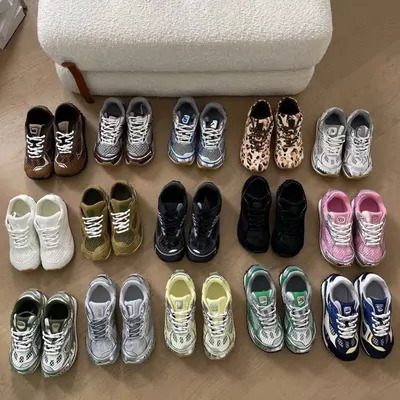
Sneakers Boxes add volume 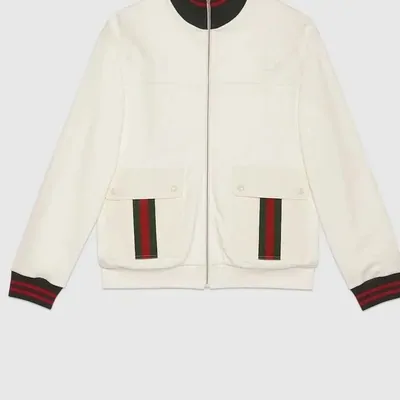
Coats and jackets Bulky, weigh it first 
Audio and gadgets Check battery restrictions 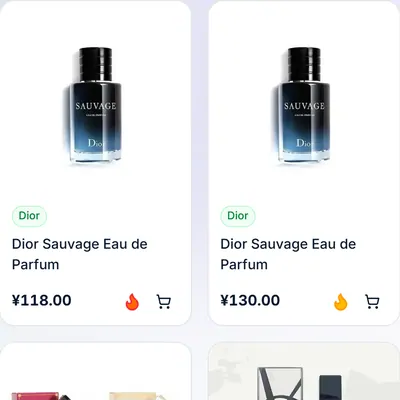
Fragrance Liquid-friendly lines 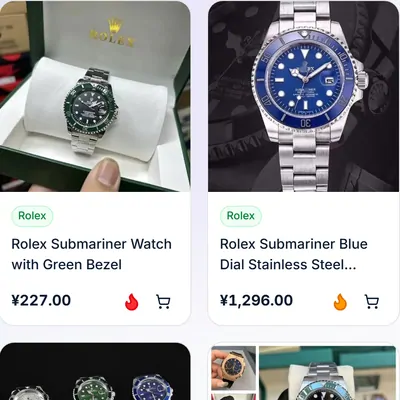
Watches Worth a close-up 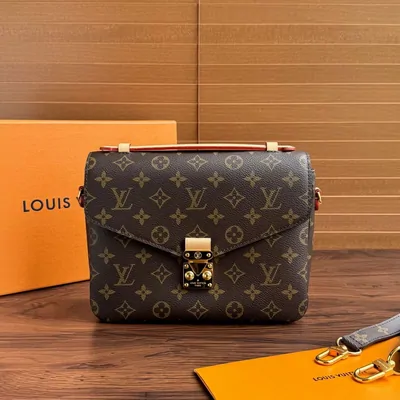
Bags Hardware photos help 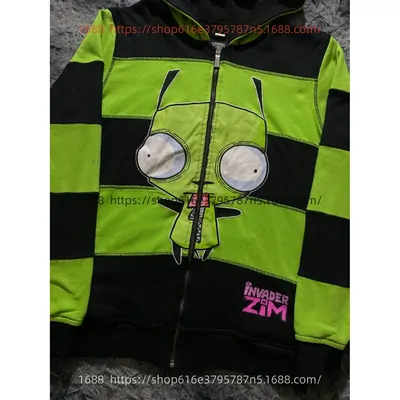
Hoodies Vacuum bag candidates 
Denim Measure the inseam 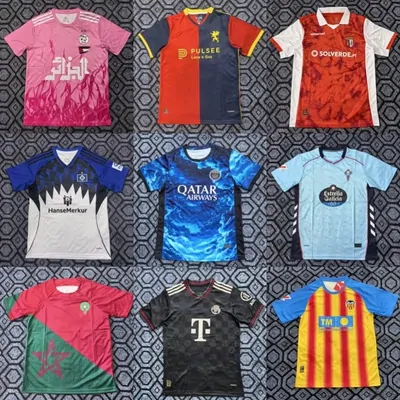
Team shirts Check the crest 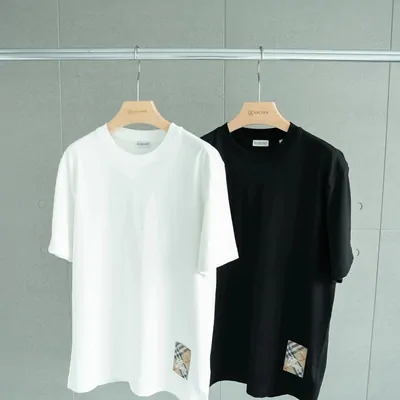
Tees Light, easy to merge 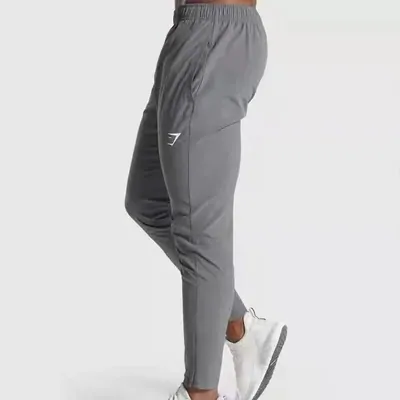
Joggers Light, easy to merge 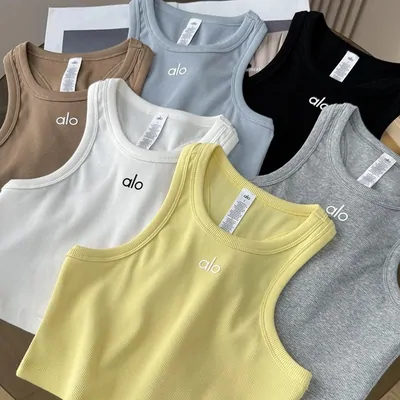
Women's picks Search results 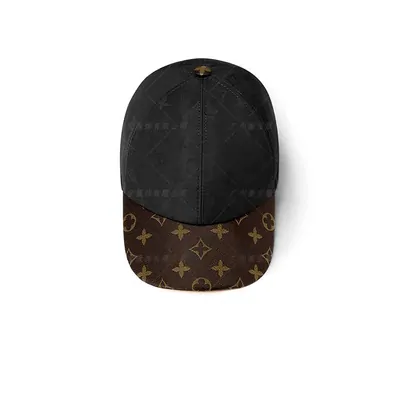
Caps and beanies Crush-proof packing 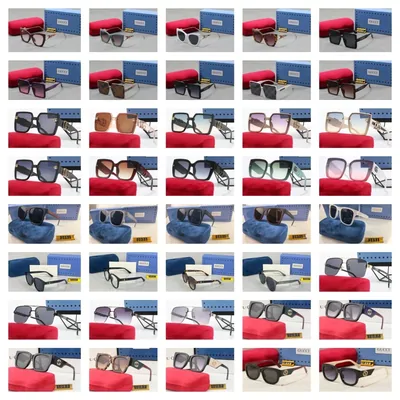
Sunglasses Fragile in transit 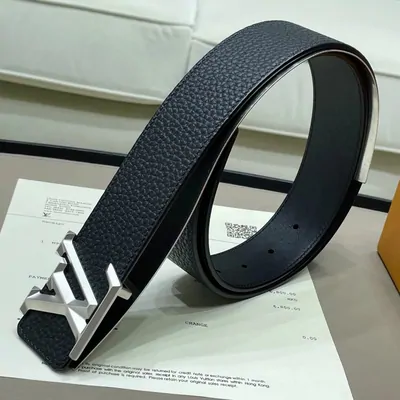
Belts Buckle close-up 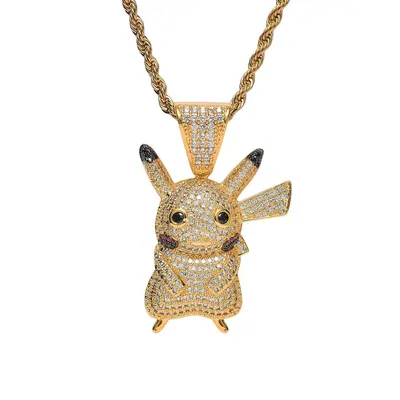
Jewellery Check weight and packing
What the Kakobuy Spreadsheet is, and what it leaves to you
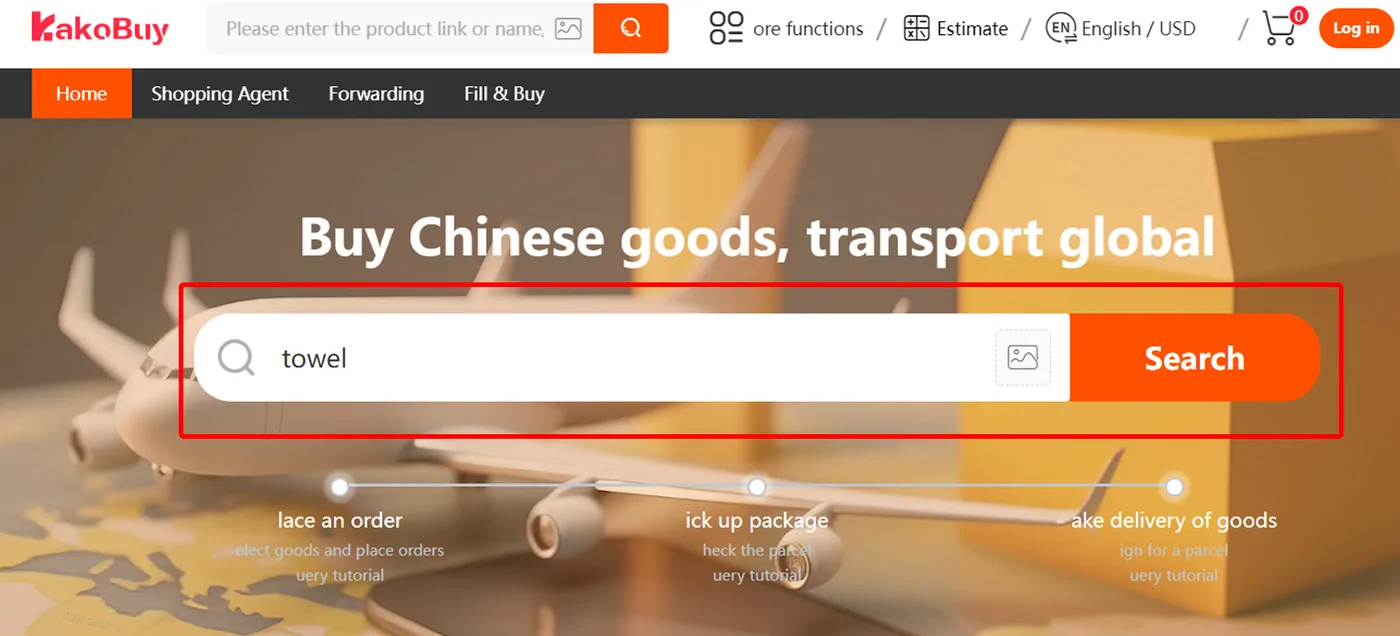
A spreadsheet in this corner of the internet is not a file. It is a product discovery site: a catalogue of picks gathered from Taobao, Weidian, 1688 and similar marketplaces, sorted into categories, each with a photo and a link to the original listing. The Kakobuy Spreadsheet is that catalogue read through one agent: each original listing link needs its own compatibility and policy check.
It does three jobs well. It shows you what exists, it groups similar pieces so you can compare them, and it saves you from searching Chinese marketplaces in a language you may not read. It does not choose a size for you, it does not check a seller, and it does not know your shipping country. Those are your calls, and most of them come back as one of the ten decisions.
How to judge a listing before you copy its link
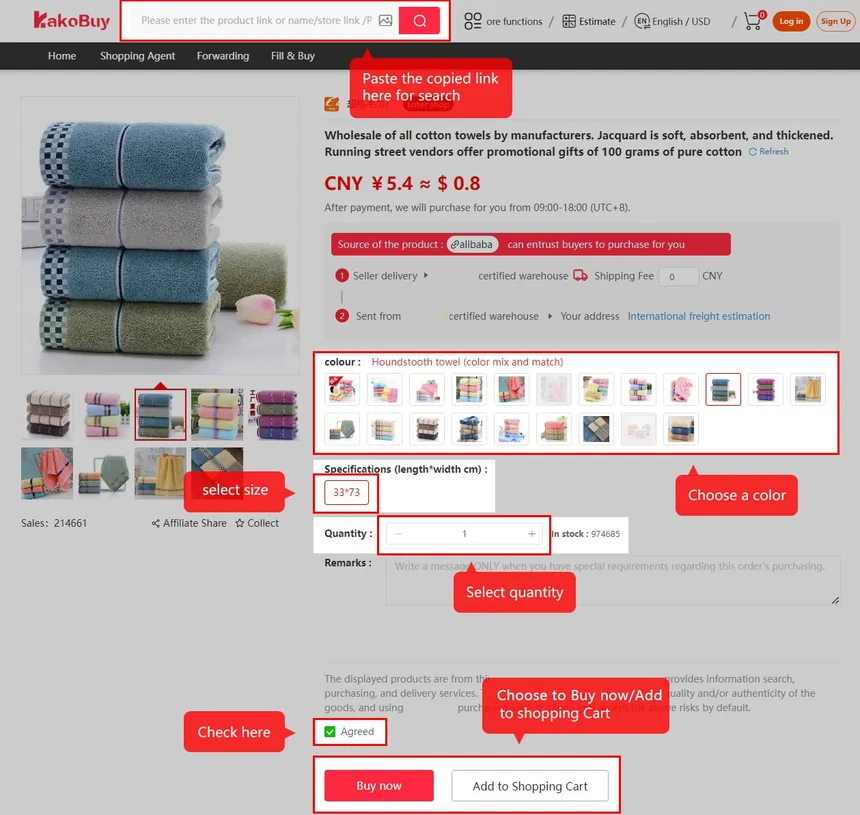
Open the listing behind a catalogue card and read four things before you paste it anywhere. First, the variant list: colour and size names on Chinese listings are often codes, and the photo you liked may belong to a variant that is sold out. Second, the price shown against the variant you actually want, which can differ from the headline price. Third, the seller's domestic shipping, because it is added to the item cost. Fourth, whether the listing photos match one another; mixed backgrounds and watermarks from different shops suggest a reseller.
Write down the variant name exactly as the listing shows it. Kakobuy's buyers purchase what the order says, and a vague note such as "black, medium" invites a confirmation message that pauses your order.
Choosing a spreadsheet site you can trust
There are many catalogues like this one, and they age fast. Judge any of them, including this site, on four checks. Are the links alive? Click five at random; dead listings mean nobody maintains it. Is there a date on the content? A catalogue that never says when it was checked cannot tell you whether a price still holds. Does it describe what an agent will charge without inventing numbers? And does it tell you who runs it, with a contact address that answers?
This site prints the date its facts were read (October 10, 2026), keeps the operator's own figures labelled as such, and lists a contact on the about section. It also keeps the categories plain, because a catalogue that renames everything makes comparison harder, not easier.


Why this catalogue is arranged around decisions
Most Kakobuy guides arrange themselves by topic: fees here, shipping there, quality checks somewhere else. This one follows the order a first purchase actually takes, because the questions arrive in sequence and some lock early. The top-up method is fixed before you buy. Priority purchase must be ticked when you submit the order. Insurance is chosen when you submit the parcel, never after.
The category notes on this page point forward to those decisions so that a choice made while browsing, such as picking a boxed pair of trainers, already tells you which later switch to think about.
Put it into practice
Choose the item before choosing an extra service
- Compare the selected size and colour with the seller’s own size chart. Measure a similar item you already own; a letter size is not a measurement.
- Save the original link, variant text and price you saw. A category image is an example from a listing, not a stock or authenticity guarantee.
- Estimate a parcel with the likely box dimensions. Batteries, liquids and fragile parts need a line that explicitly accepts them.